👥 How do I add learners?
Edited
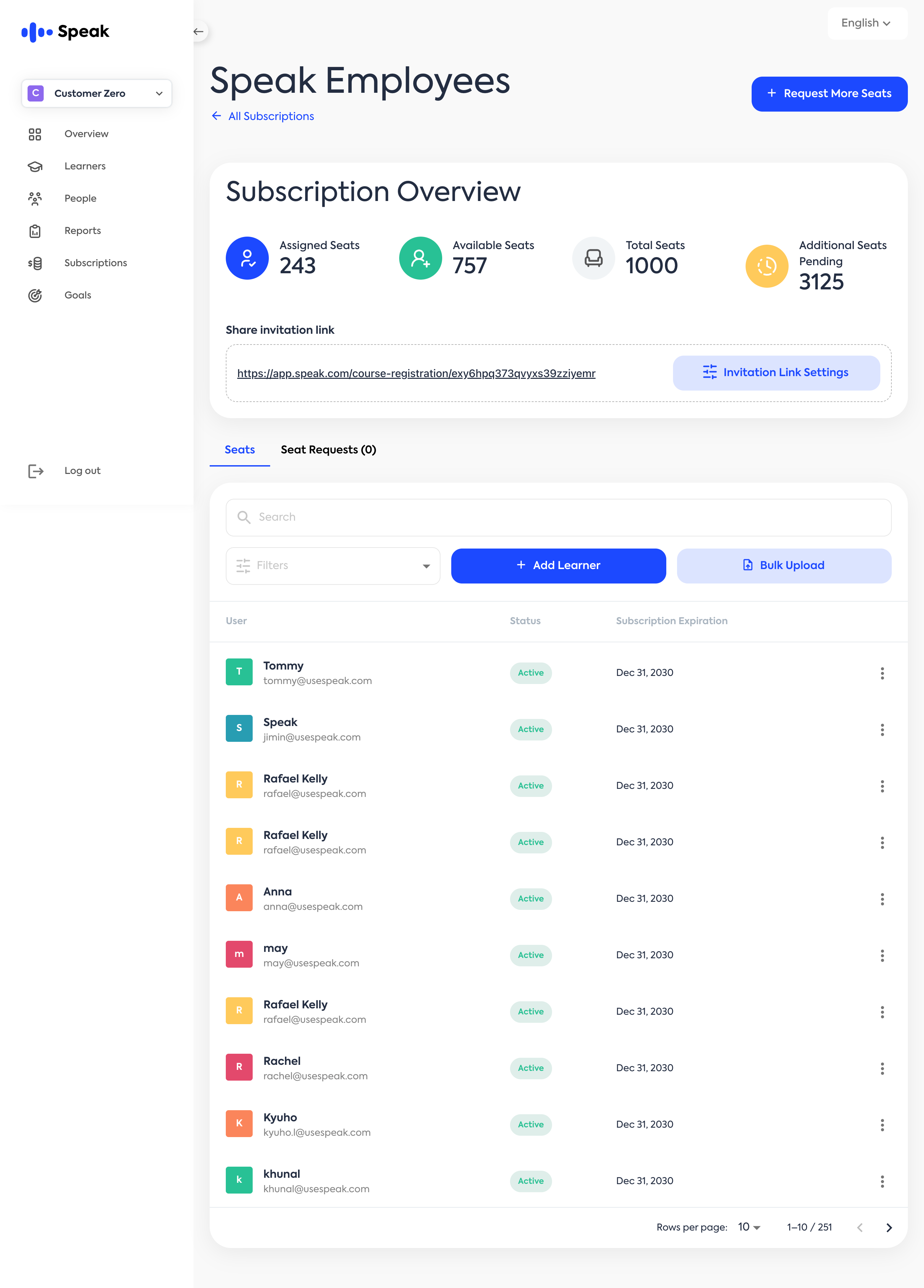
As a Partner Admin, you can add new learners to your organization manually or in bulk from the Subscription Page.
➕ Add Learners from the Subscription Page
Go to the “Subscriptions” tab in the left-hand menu.
Select the subscription you want to add learners to.
On the Subscription Overview screen, under the Seats tab, you’ll see two options to add:
Add Learner – to manually add a single user
Bulk Upload – to import multiple learners using a CSV file